 Arivna
Features
Everything in Arivna 1.0, in one place.
A complete list of what the app does today, grouped the way you will use it. If a feature is not on this page, Arivna does not have it yet.
01 · Protection
Arivna Shield, on every page.
A native ad and tracker blocker written in Rust. It runs inside the app, so there is nothing to install or configure.
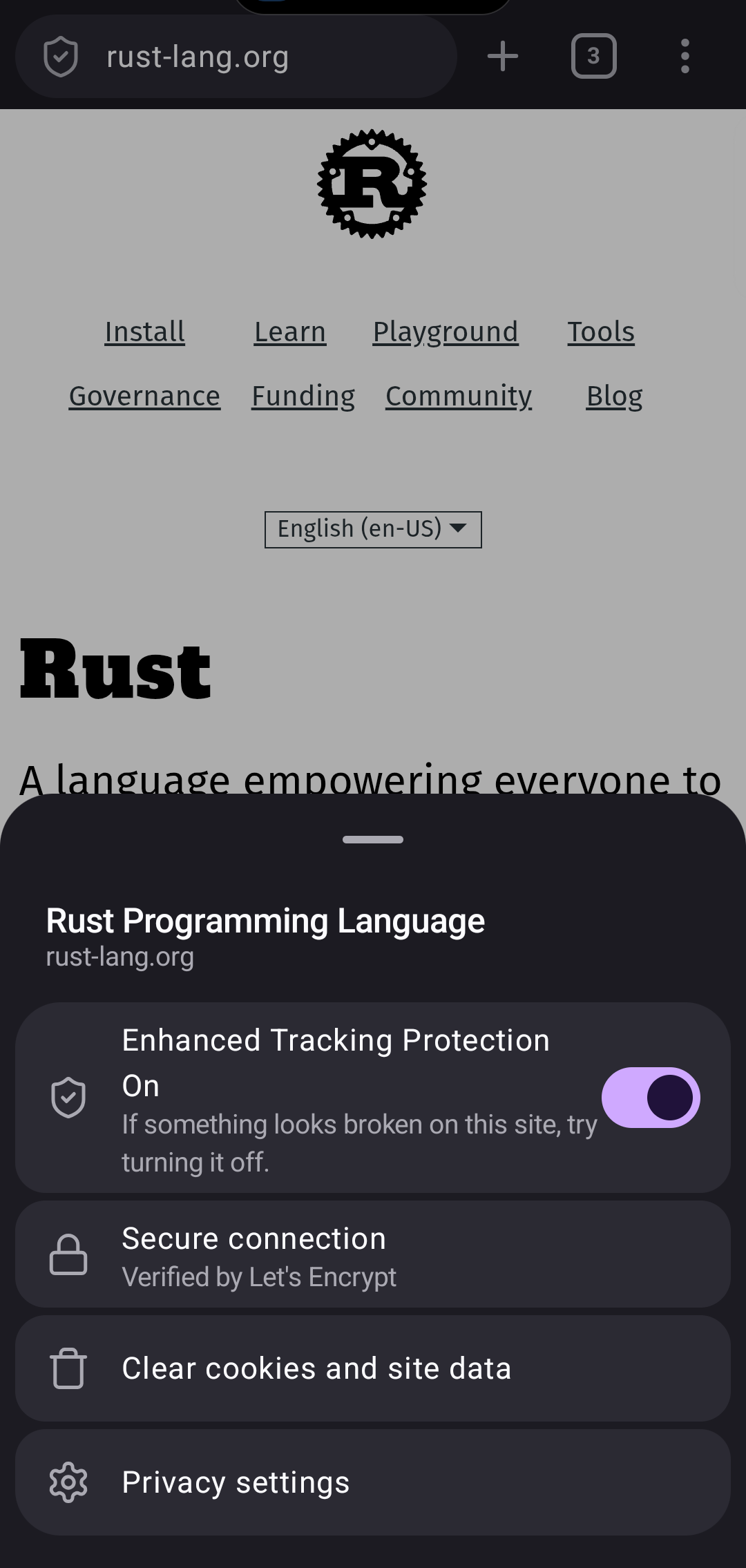
Blocks before loading
Ads, trackers and known malicious addresses are stopped before the request leaves the phone. Empty ad boxes that remain are hidden.
13 filter lists
uBlock Origin's lists, EasyList, EasyPrivacy, Peter Lowe's list, URLhaus, AdGuard Mobile and AdGuard URL Tracking, plus two cookie-notice lists in Strict mode.
Daily auto-update
Lists refresh once a day, in parallel, and only changed lists are downloaded. Settings shows when they last updated, with an Update now button.
Standard or Strict
Strict adds the two cookie-notice lists for stronger filtering. Some sites may need Standard to work properly.
Network request log
Each tab keeps a log of its requests: allowed, blocked or redirected, with the filter that decided. Search by address, type or filter.
Block element
Tap anything on a page to hide it. You can edit the CSS selector before saving. The rule is stored in My filters.
My filters
All the rules you created, in one list. Remove any of them at any time.
Per-site switch
Turn Shield off for one site from its site info sheet. Exceptions are listed in settings.
YouTube ad cleanup
A dedicated option that removes ads from YouTube pages in the browser.
Pop-ups and cookies
Pop-up blocking and cross-site (third-party) cookie blocking, each with its own switch and exceptions.
Do not sell or share
"Tell websites not to share & sell data" sends both the Do Not Track and Global Privacy Control signals.
Privacy report
The home screen can show a privacy report card with Shield's blocked counts. You can hide it.
02 · Tabs
Lots of tabs, little memory.
Open as many as you like. Arivna keeps the four you used last ready, and puts the rest to sleep with their page and scroll position saved.
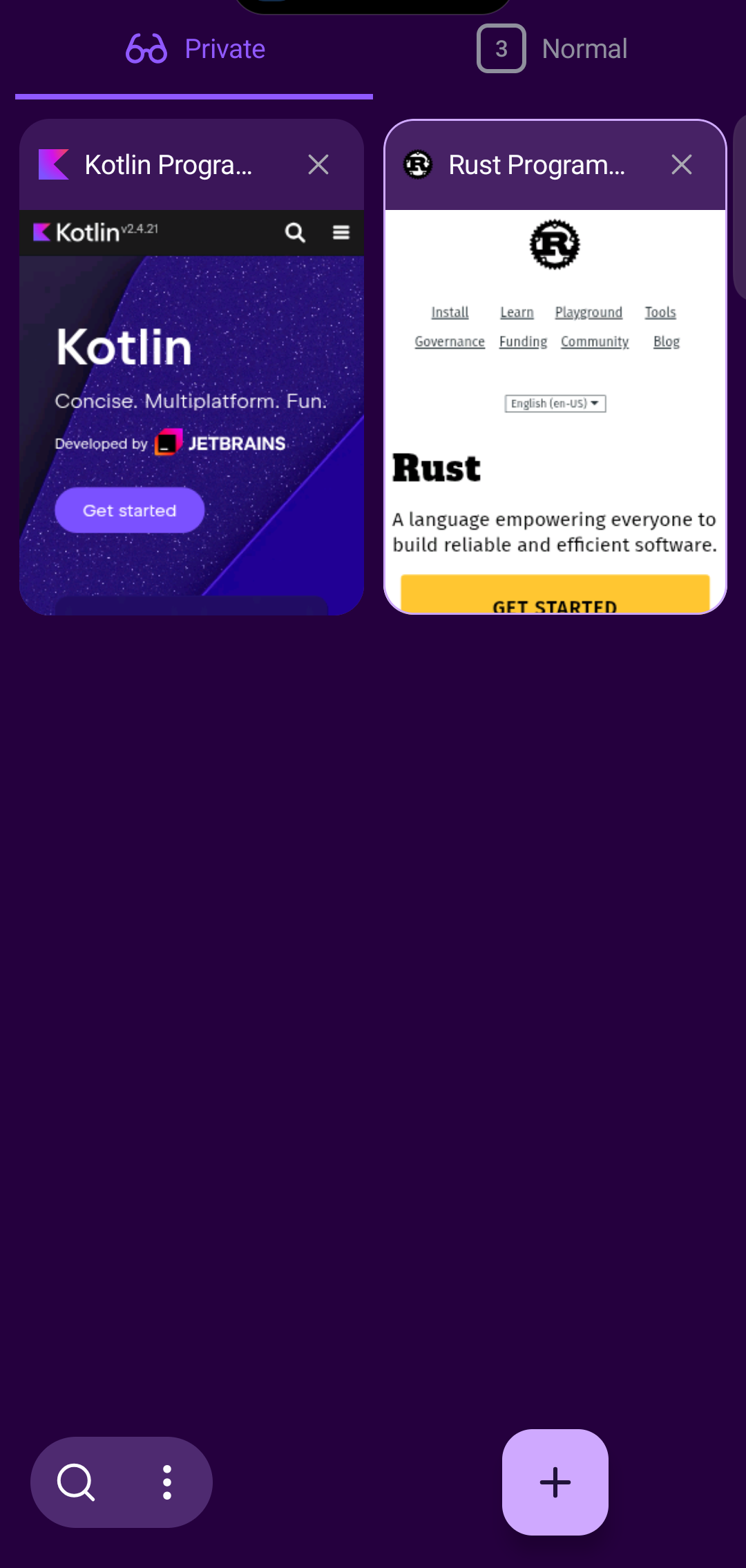
Grid or list
Choose how the tab tray looks.
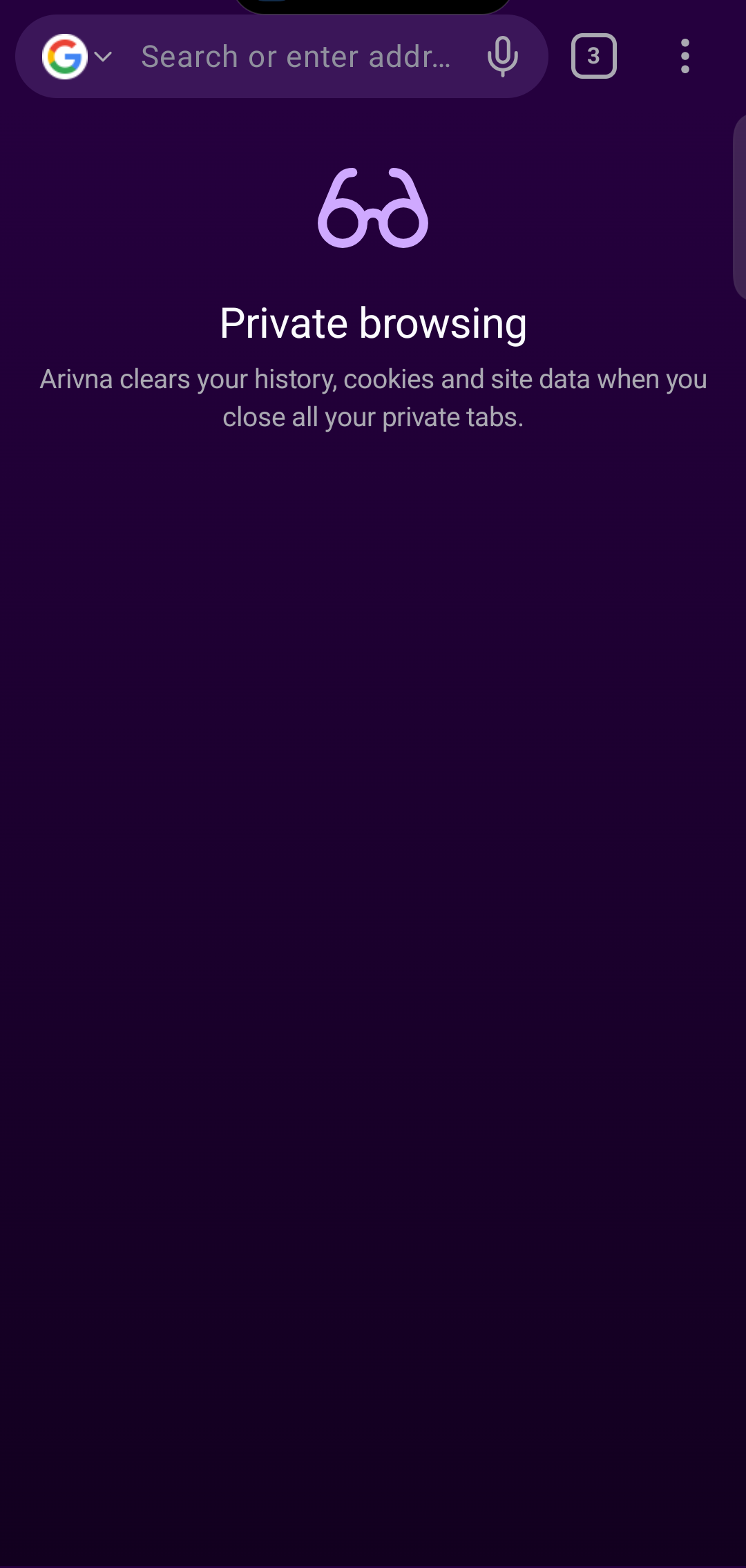
Private tabs
Separate cookies and storage. No history, no saved data once you close them.
Recently closed
Closed a tab by mistake? Undo it right away or reopen it from the recently closed list.
Auto-close
Close tabs you have not looked at after a day, a week or a month, or never.
Restored after restart
If Android closes the app, your normal tabs come back. Private tabs do not.
Opening screen
Start on the homepage, on your last tab, or on the homepage after four hours away.
03 · Search and address bar
Type less, find more.
A full-screen search page opens the moment you tap the address bar.
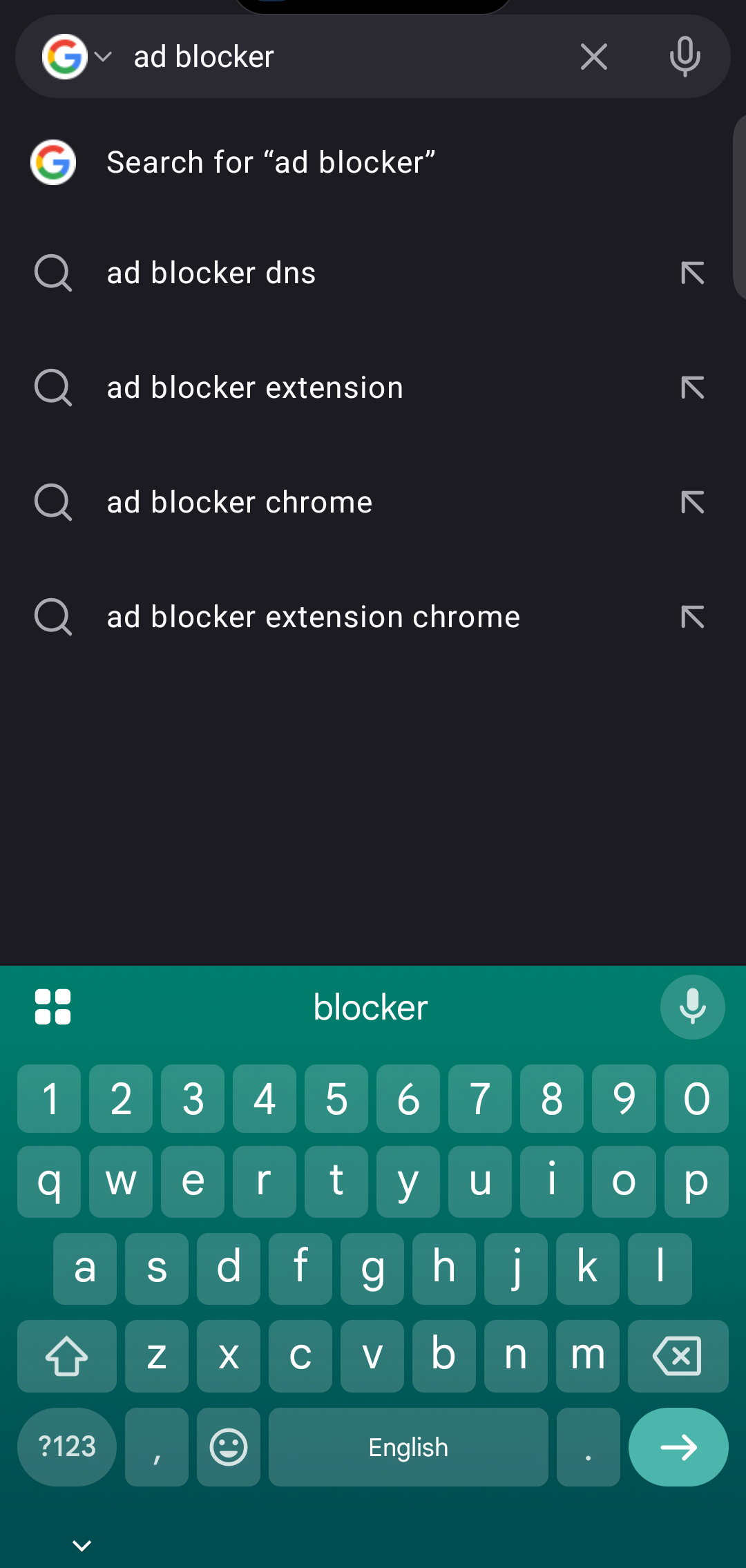
Suggestions
From your search engine (can be turned off, and off separately in private tabs), your history and your bookmarks.
Seven engines, or your own
Google (default), DuckDuckGo, Bing, Brave Search, Ecosia, Startpage and Yahoo. Add any engine with a search URL.
Recent searches
Pick up where you left off, or turn the list off.
Clipboard link
A link you just copied is offered as a one-tap suggestion.
Voice search
Speak your search using Android's speech input.
URL autocomplete
Completes addresses you have visited as you type.
04 · Reading and pages
Pages, the way you want to read them.
Tools for long articles, small text and sites that were not built for phones.
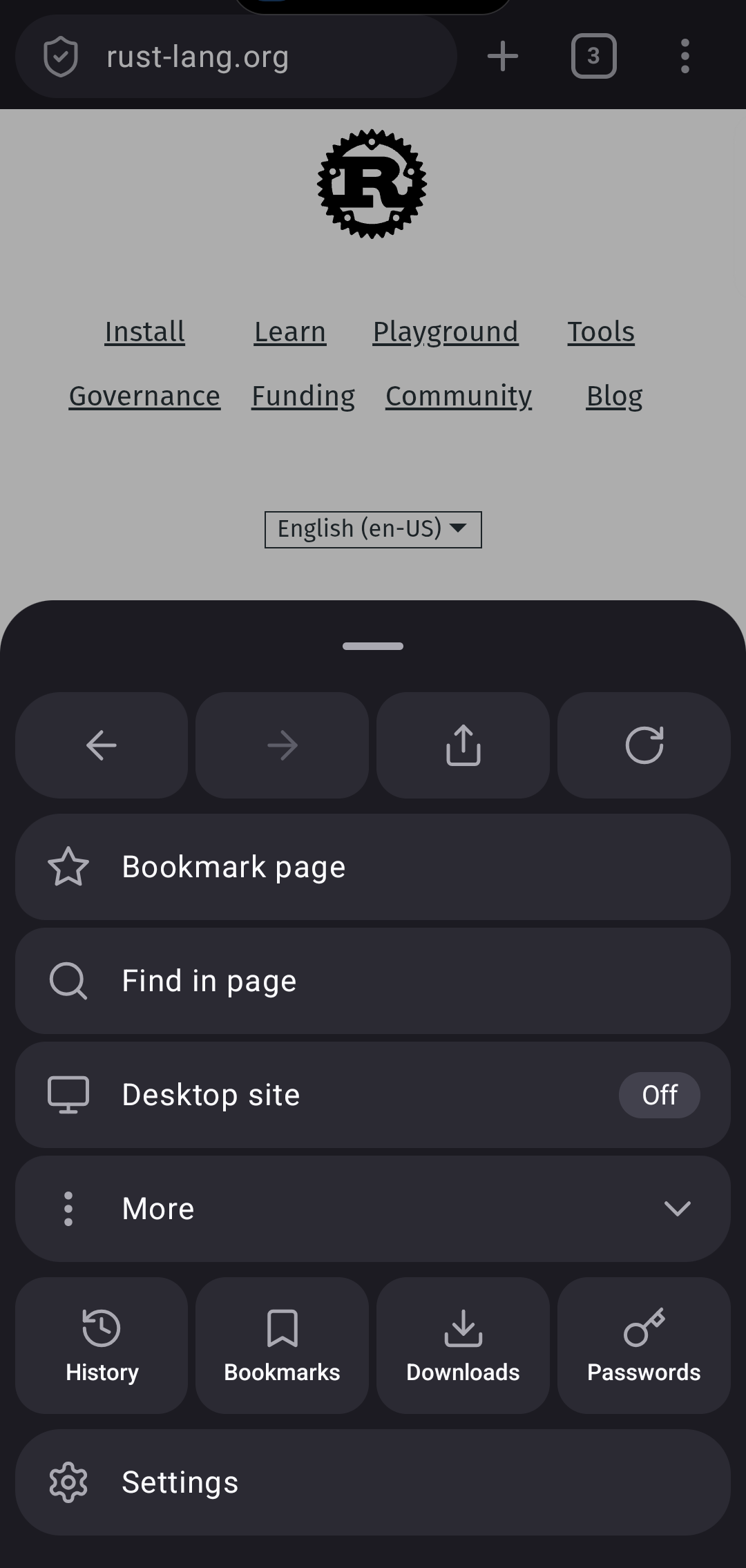
Reader view
Strips a long article down to its text and images.
Find in page
Jump between every match of a word.
Night mode for websites
Darkens pages that have no dark theme of their own.
Text size and zoom
Set the font size for all websites, use automatic font sizing, and allow zoom even where a site blocks it.
Desktop site
Request the desktop version for one page, or always.
Save as PDF
Save any page as a PDF through Android's print service.
Add to home screen
Pin a site to your launcher.
Open in app
Open links in their app: always, ask first, or never.
05 · Library
Bookmarks, history and downloads.
Everything you save stays on the phone, in one place.
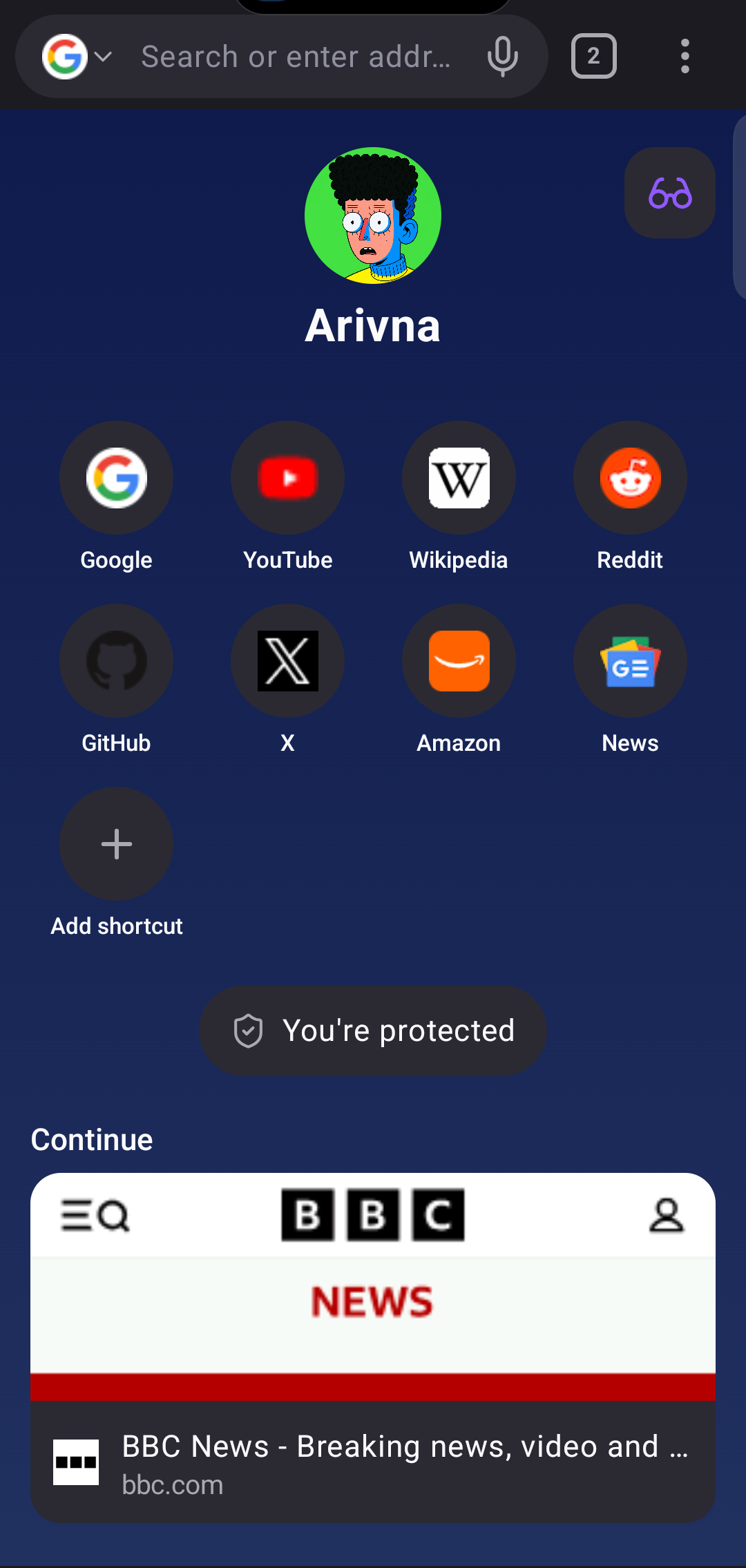
Bookmarks with folders
Organise saved pages into folders, and show them on the home screen if you like.
Searchable history
Search what you visited and delete a time range (for example the last hour). History is kept for up to one year or 100,000 pages, on the device only.
Download manager
Three downloads run at the same time and the rest wait in line. They keep going when the app is in the background.
Live notification
Progress, speed and time left, with one summary notification when many files are downloading.
Download settings
Choose the default location, whether deleting removes the file or only the entry, and whether to ask first.
Recently visited
The home screen can show recent sites and a Continue row for open tabs.
06 · Privacy controls
You decide what stays.
Clear what you want, when you want, and choose what each site may use.
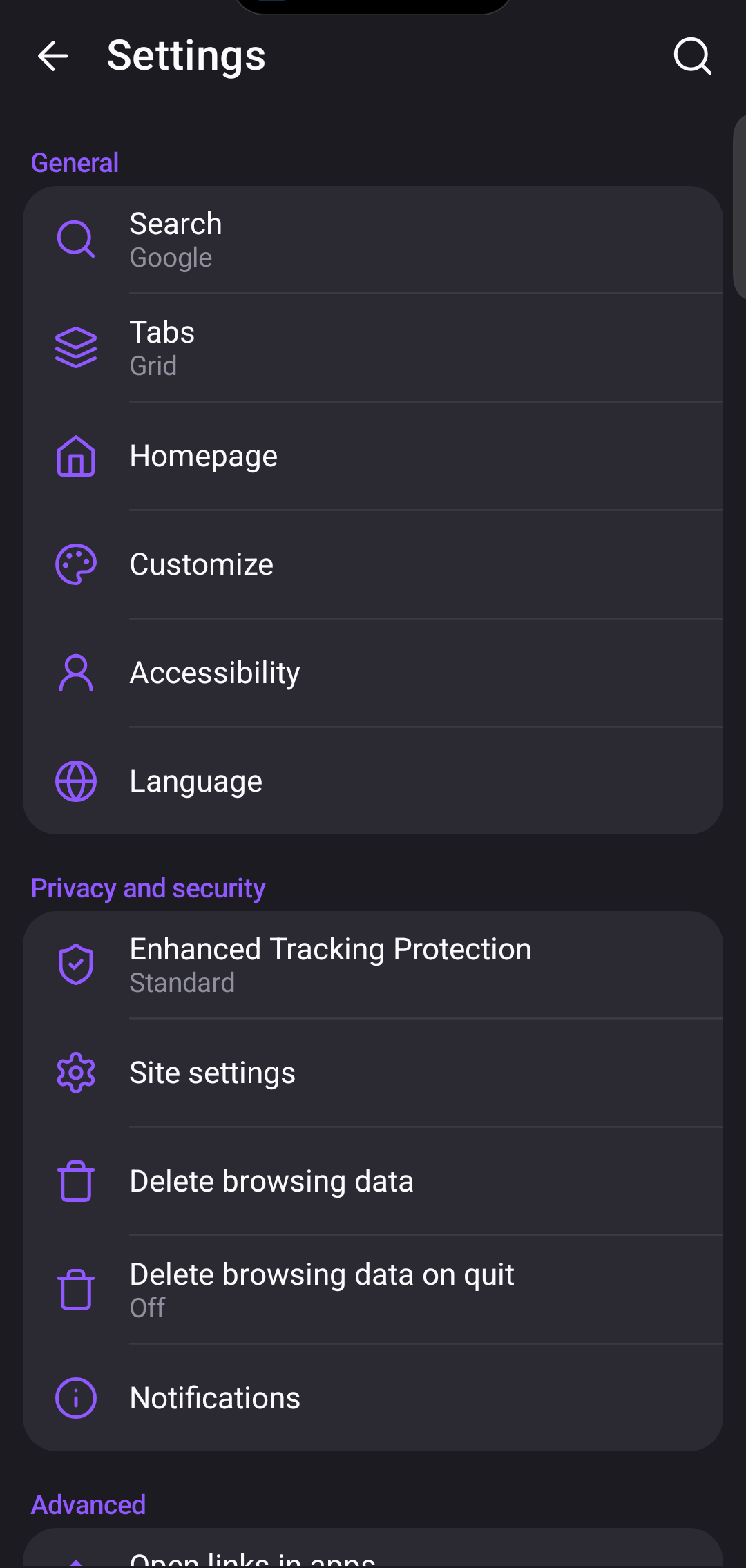
Delete browsing data
Pick any of: open tabs, history, cookies and site data, cached images and files, site permissions, downloads.
Delete on quit
Clear the same items automatically when you quit the app.
Site permissions
Camera, microphone, location, notifications and autoplay, with exceptions per site.
Clear one site
Remove cookies and stored data for the site you are on from its site info sheet.
JavaScript switch
Turn JavaScript off if you want the plainest pages.
Remote debugging
For developers only. Off by default.
07 · Make it yours
Small settings, big difference.
Settings are written in plain words, and you can search them.
Address bar top or bottom
Put the toolbar where your thumb reaches.
Theme
Light, dark or follow the device theme.
Pull to refresh
Pull down on a page to reload it.
Hide the toolbar on scroll
The toolbar slides away while you read and comes back when you scroll up.
Home screen sections
Show or hide shortcuts, privacy report, continue, bookmarks and recently visited.
Searchable settings
Type into the settings search to find any option.
08 · Under the hood
What Arivna is made of.
We would rather tell you exactly how it works than call it revolutionary.
| Part | What it is |
|---|---|
| Page rendering | Android System WebView (Chromium), kept up to date by Android and Google Play. |
| Interface | Kotlin and Jetpack Compose, written by Nirvana Team. |
| Ad blocker | Arivna Shield, a Rust library compiled for each CPU type and called through JNI. |
| Storage | History and downloads in one SQLite database on the device. No cloud copy. |
| Memory | At most four tabs keep a live WebView. Under memory pressure, only the tab in front does. |
| Requirements | Android 8.0 (API 26) or newer. Built for Android 16 (API 36). |
| Size | 10.9 MB APK for all supported CPUs. |
| Price | Free. No ads, no in-app purchases, no account. |
09 · Honest limits
Not in Arivna today.
These are not supported. We list them so you do not have to find out the hard way.
- Extensions or add-ons
- Accounts or sync between devices
- Built-in page translation
- A built-in password manager (Android autofill services such as your password app still work)
- iPhone, iPad or desktop versions